
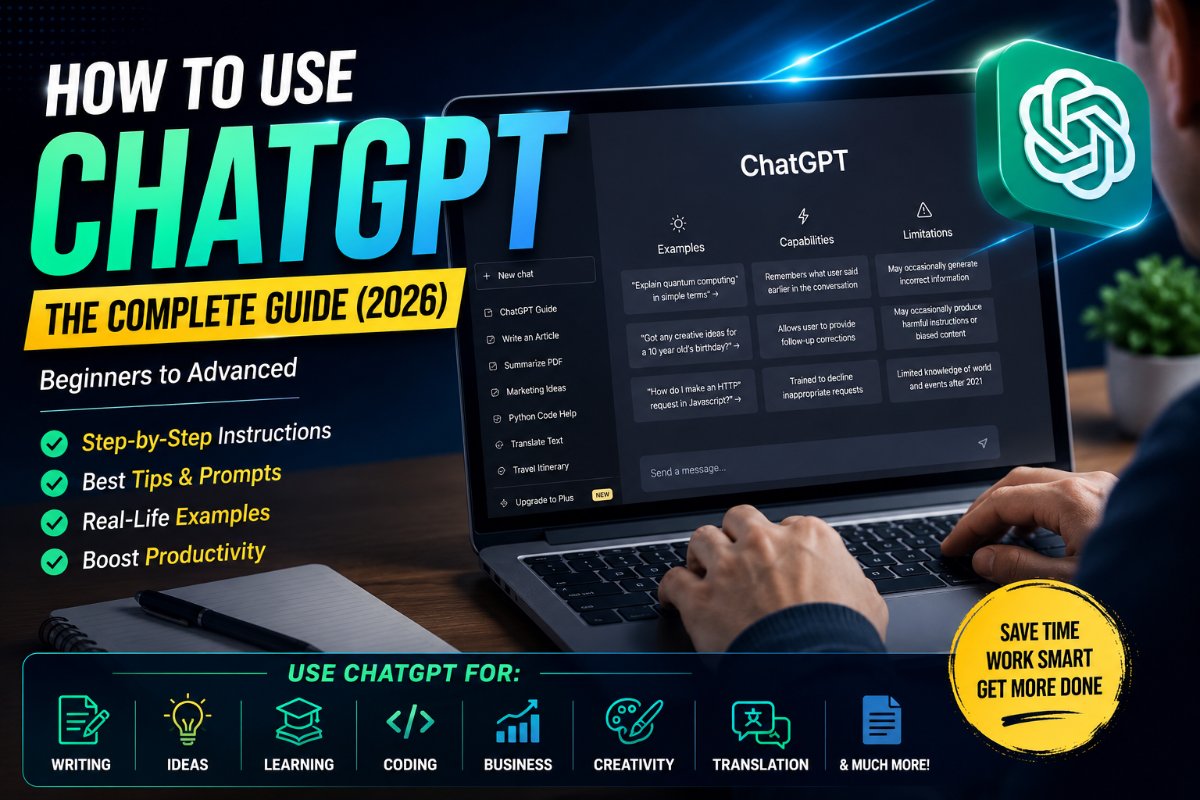
Artificial Intelligence has changed the way people work, learn, and create content, and ChatGPT is one of the most powerful AI assistants available today. Whether you're a student, business owner, content creator, programmer, or simply someone looking to save time, ChatGPT can help you accomplish tasks in minutes that would normally take hours.
This guide explains everything you need to know about using ChatGPT effectively, from getting started to advanced prompting techniques.
What is ChatGPT?
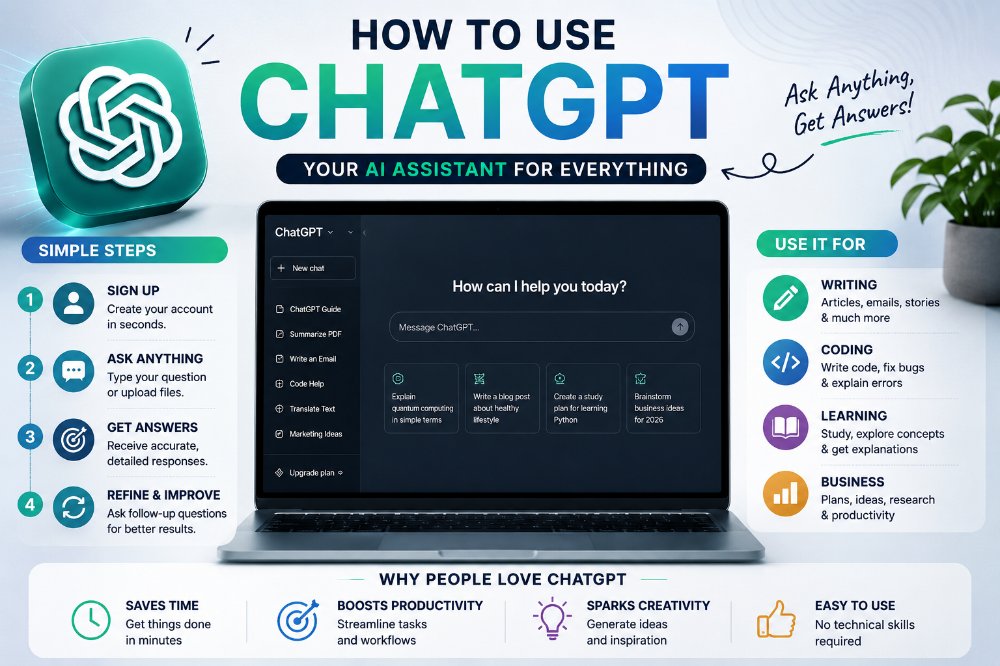
ChatGPT is an AI-powered conversational assistant developed by OpenAI. Unlike a traditional search engine that simply provides links to websites, ChatGPT understands your questions and generates detailed, human-like responses.
It can help you:
Write articles
Generate emails
Create social media posts
Explain complex topics
Write computer code
Solve maths problems
Translate languages
Brainstorm ideas
Summarize documents
Create business plans
Think of ChatGPT as a personal assistant available 24/7.
Step 1: Create an Account
To begin using ChatGPT:
Visit the official ChatGPT website or install the mobile app.
Sign up using your email address or Google, Apple, or Microsoft account.
Choose a plan (Free or paid).
Start chatting immediately.
The free version is suitable for most users, while paid plans offer faster responses, more advanced AI models, higher usage limits, and additional tools.
Step 2: Learn How to Ask Questions
The quality of ChatGPT's answers depends largely on the quality of your prompt.
Instead of asking:
Write an article.
Try asking:
Write a 2,000-word SEO article about electric cars using simple English with H2 and H3 headings.
The more details you provide, the better the response.
Step 3: Be Specific
Good prompt:
Explain blockchain technology to a 12-year-old using simple examples.
Better prompt:
Explain blockchain technology to a 12-year-old using simple English. Include real-life examples, FAQs, advantages, disadvantages and conclude with a summary.
Specific prompts produce significantly better results.
Step 4: Use Follow-Up Questions
One of ChatGPT's biggest strengths is conversation.
For example:
User
Write a YouTube script about smartphones.
Then ask
Make it more funny.
Add statistics.
Write a better introduction.
Give me a thumbnail idea.
Suggest tags.
Create hashtags.
Instead of starting over, simply continue the conversation.
Step 5: Upload Files
ChatGPT can analyse uploaded files including:
PDFs
Word documents
Excel spreadsheets
Images
Screenshots
Presentations
You can ask it to:
Summarize documents
Extract information
Explain charts
Analyse financial reports
Read contracts
Improve presentations
Step 6: Generate Images
Modern versions of ChatGPT can also create AI images.
Example prompts:
Create a futuristic city at sunset.
Design a realistic YouTube thumbnail.
Make a fantasy castle in cinematic style.
You can also edit existing images by uploading them.
Step 7: Use ChatGPT for Writing
One of the most popular uses is content writing.
Examples include:
Blog posts
News articles
Product descriptions
Emails
Business proposals
Stories
Novels
Press releases
Resumes
Cover letters
You can even ask ChatGPT to rewrite content in different tones such as professional, friendly, humorous or formal.
Step 8: Learn New Skills
Students use ChatGPT to learn:
Programming
Mathematics
Science
History
Languages
Economics
Engineering
Instead of simply giving answers, you can ask ChatGPT to explain concepts step by step.
Example:
Teach me Python from beginner to advanced.
Step 9: Coding with ChatGPT
Developers use ChatGPT daily.
It can:
Write code
Find bugs
Explain errors
Optimise programs
Convert one programming language into another
Build websites
Create APIs
Supported languages include:
Python
Java
JavaScript
C++
PHP
Swift
Kotlin
SQL
HTML
CSS
Step 10: Create Better Prompts
Here are some prompt templates.
For Articles
Write a 2,000-word SEO article about [topic]. Include headings, FAQs, examples, conclusion and meta description.
For YouTube
Write a 10-minute YouTube script on [topic]. Include hook, storytelling, CTA and thumbnail ideas.
For Students
Explain [topic] in simple English suitable for Class 10 students.
For Businesses
Create a marketing strategy for a small business selling [product].
For Social Media
Write 10 viral Instagram captions about fitness.
Common Mistakes Beginners Make
Many new users don't get the best results because they:
Ask vague questions.
Don't provide enough context.
Expect perfect answers on the first try.
Forget they can ask follow-up questions.
Don't specify the desired tone or format.
Treat ChatGPT like a collaborator. The more guidance you give, the better the results.
Tips for Getting Better Answers
Be specific.
Mention your goal.
Include the target audience.
Specify the writing style.
Ask for examples.
Request tables or bullet points if needed.
Ask ChatGPT to improve or rewrite its own response.
Is ChatGPT Always Correct?
No.
Although ChatGPT is highly capable, it can occasionally make mistakes or provide outdated information. For topics such as medical advice, legal matters, financial decisions, or breaking news, it's wise to verify important information with reliable sources.
Final Thoughts
ChatGPT is much more than a chatbot—it's a versatile AI assistant that can help with writing, learning, coding, creativity, business, research, and everyday tasks. The key to getting great results is asking clear, detailed questions and refining the conversation through follow-up prompts.
Whether you're creating content, solving problems, or learning something new, ChatGPT can become one of the most valuable productivity tools in your daily workflow.